Scam Message Checker Tool
About Scam Message Checker Tool
The Scam Message Checker Tool helps users identify suspicious SMS, WhatsApp messages, phishing emails, fake OTP requests, romance scam messages, investment fraud, and online scam attempts.
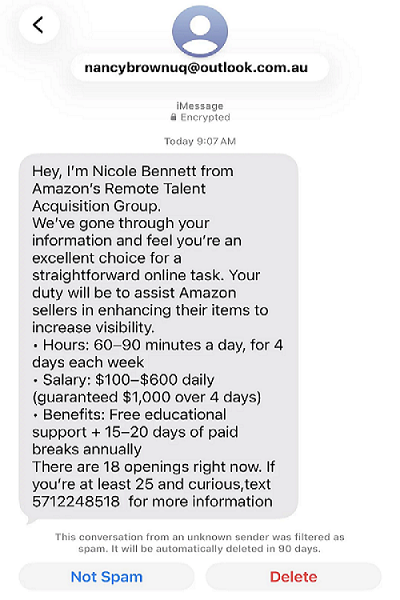
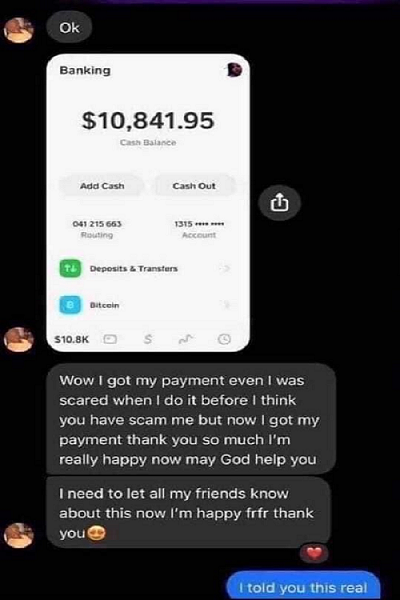
Users can paste suspicious text messages or upload screenshots for analysis. The system checks for scam keywords, phishing links, urgency tactics, financial fraud indicators, fake job offers, romance scam manipulation, and suspicious communication patterns.
Common Scam Warning Signs
- Requests for OTP or passwords
- Fake bank verification alerts
- Cryptocurrency investment promises
- Urgent money transfer requests
- Suspicious shortened links
- Romance scam emotional manipulation
- Lottery and prize scams
- Fake delivery notifications
Scam Message Examples